Sonic Pi Web and Figurate Numbers, Minified
Between July and August this year came a qualitatively huge leap with Sonic Pi version 5, which I reviewed and shared some code to play with (read it here), and just a few hours ago, in September, Earth, Wind, and Fire moved, as Sonic Pi for the Web dropped.
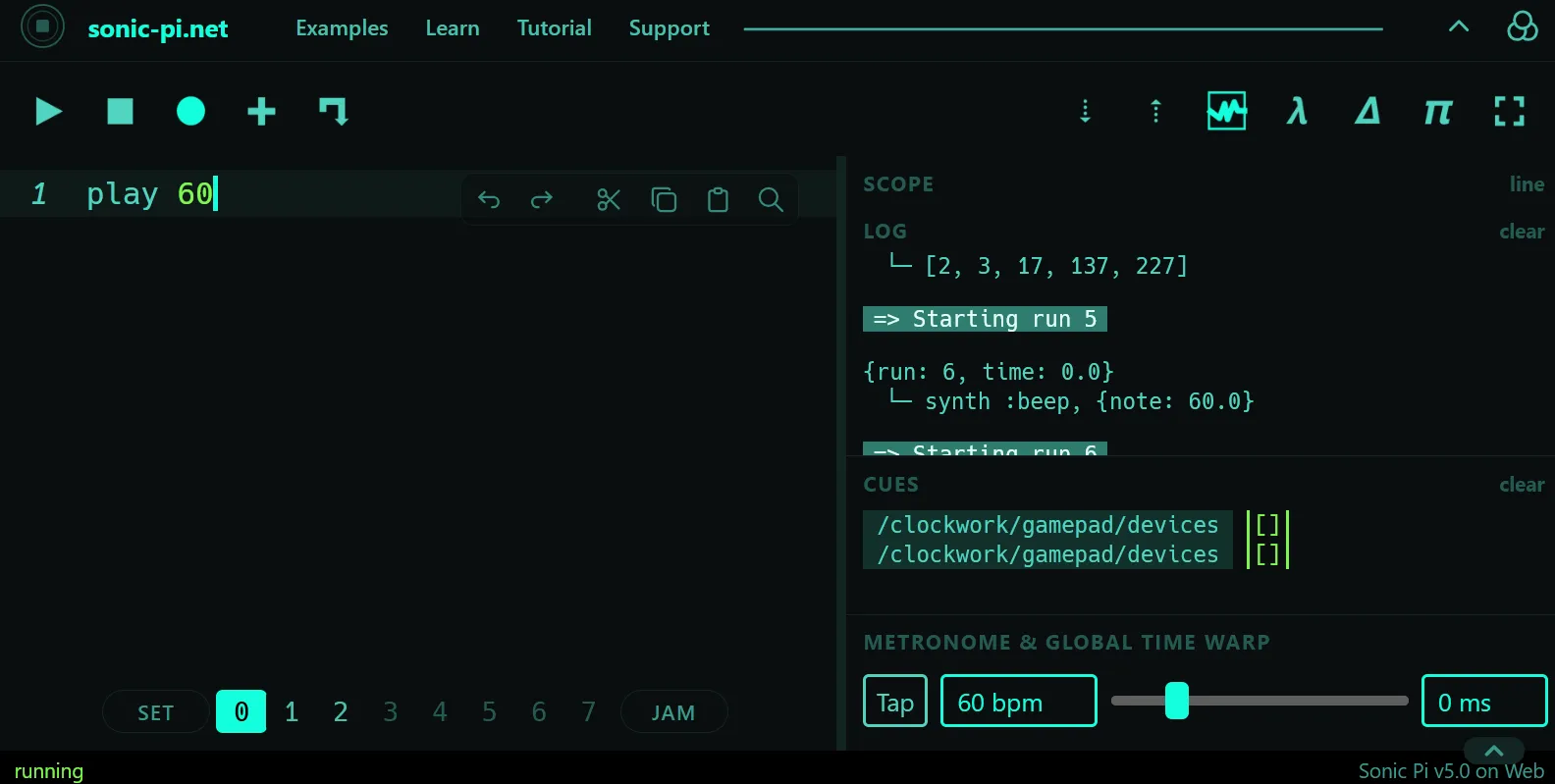
The first thing that came to mind after trying things out, meaning the Sonic Pi hello world, which would be play 60, as it appears in the image below.
I also tried a few other classic loops in the buffers on the new website. In fact, what I really wanted was to see if I could get at least one of my own Ruby gems working. Like in Pokémon, I picked
figurate_numbers, right here.
This post is probably the least technical and most lazy-Sunday thing I’ve written here (except it’s actually Tuesday), and it goes straight into how to use it, so I’ll briefly go over how I did it and how you can easily use it too.
Prelude
My suspicion that something big was brewing in the Sonic Pi world started a few days ago, when I’d been watching some pretty long commits over on the repository (dev branch), especially this juicy commit c522300.
It introduces the mruby runtime and makes a massive shift in the GUI toward the versatility that comes from writing things in a web environment. Without further ado, you can read the more technical notes on capabilities and more in a Patreon post by Sam Aaron.
When there’s no require
To use my gem, we’d usually pull it in from the PATH where it was installed on the operating system. Here, right off the bat, I ran into two problems. The first is that the word require is a complete stranger here, and in my gem, several sequences use require 'prime' to compute values for p-adic methods. Let me show you a screenshot.
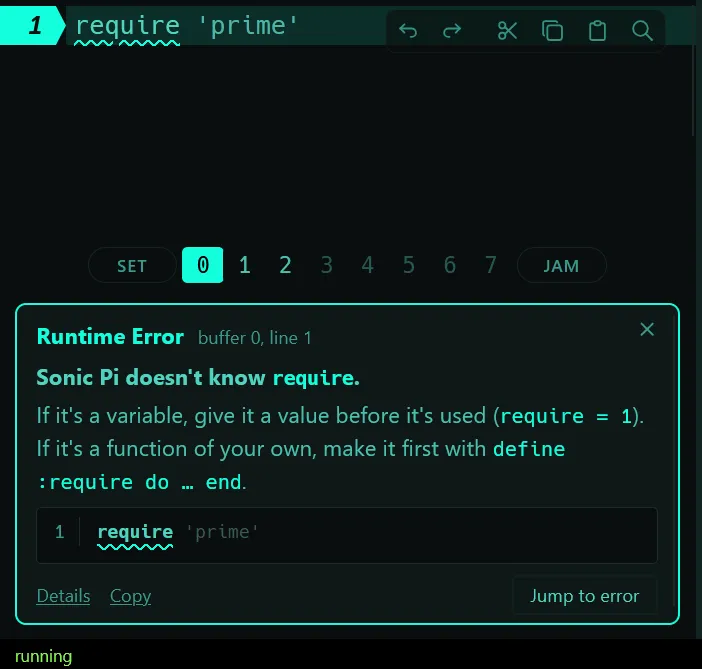
Up pops Sonic Pi doesn't know require, and everything comes crashing down. To cut straight to the fix, the first thing I tried was checking whether it would accept Enumerators defined one by one, then I also tried whether it understood Module hierarchies, and everything worked out fine (a bit naive, but who cares).
So I could copy the parts of my gem that didn’t have any require straight into the buffer, bare-naked, though I’ll be honest, it’s a bit uncomfortable. So, I finally rewrote whatever needed require using a few hand-written methods, and cut and refactored a couple of little things.
Right there, as you already saw in one of the images, I clicked the + icon. Clicking it lets you load .rb or .txt files into an empty buffer. And then I thought to myself: what if I minify the necessary parts so I can load and use them in another buffer?
Splitting and minifying the Ruby gem
On the Figurate Numbers GitHub repo I decided to build 2 tools (simple scripts, formatted with a little help from AI) to generate two versions of my gem.
The first one is a clean, human-readable version, which I generated at ./dist/sonic_pi_web/, and the second one (also readable, technically), is clunkier, and it’s the one I actually recommend in the README, over at ./dist/sonic_pi_web_min.
If you go into that last one, you’ll find several .rb files, which you can and should download, or just click the links in the README and open it in your browser.
Load and play
Once you’ve loaded, say, the plane_figurate_numbers.min.rb file, it’ll show up in your buffer like this:
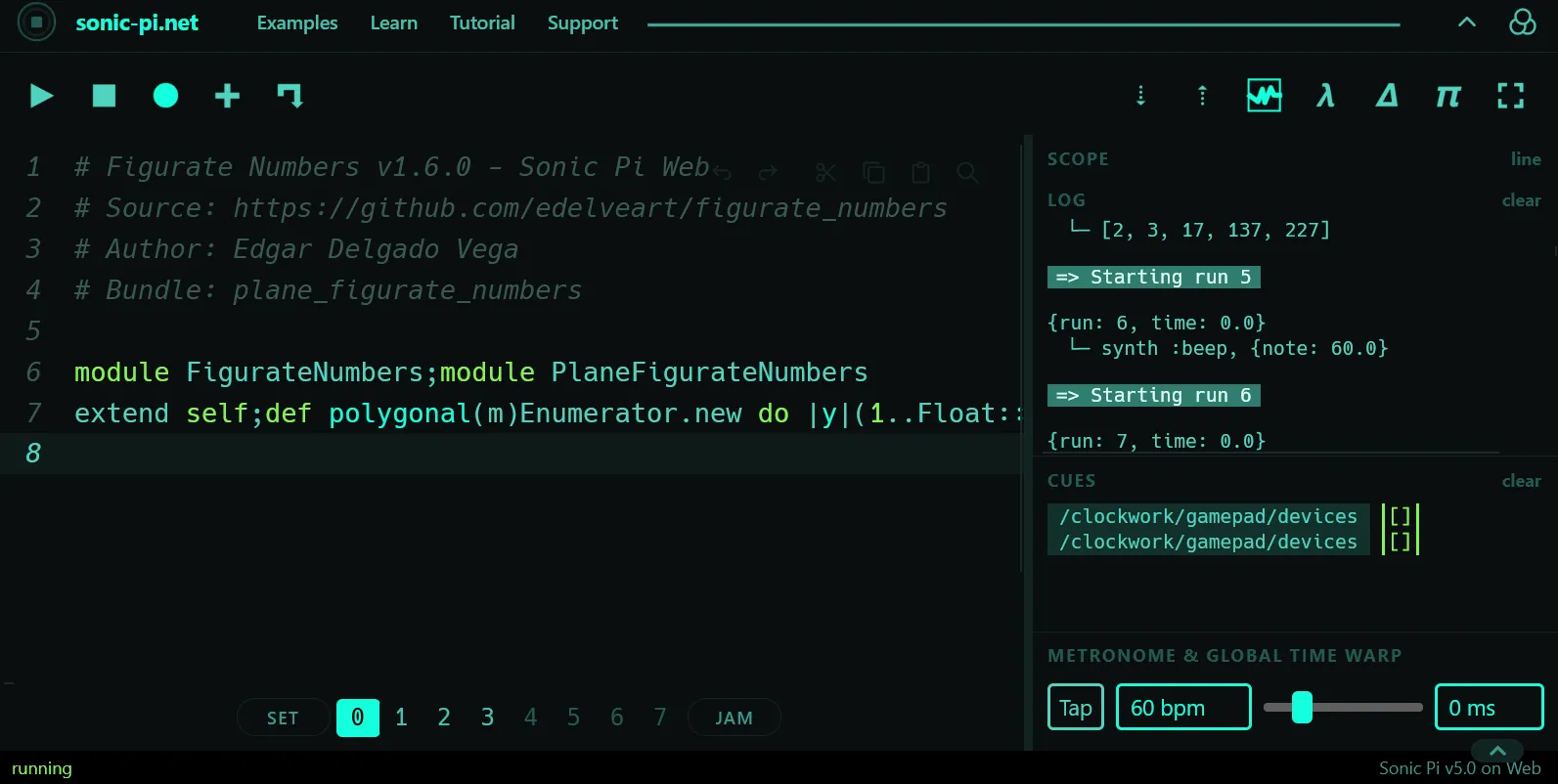
You need to hit run with ctrl+r, or click the play button. Done, now all that’s left is switching buffers, and you can run things like the examples and lists that show up in the dropdowns in the README file. I went with the generalized pentagonal numbers for their connection to the partition function (check out some advanced theory in my figuratenum docs).
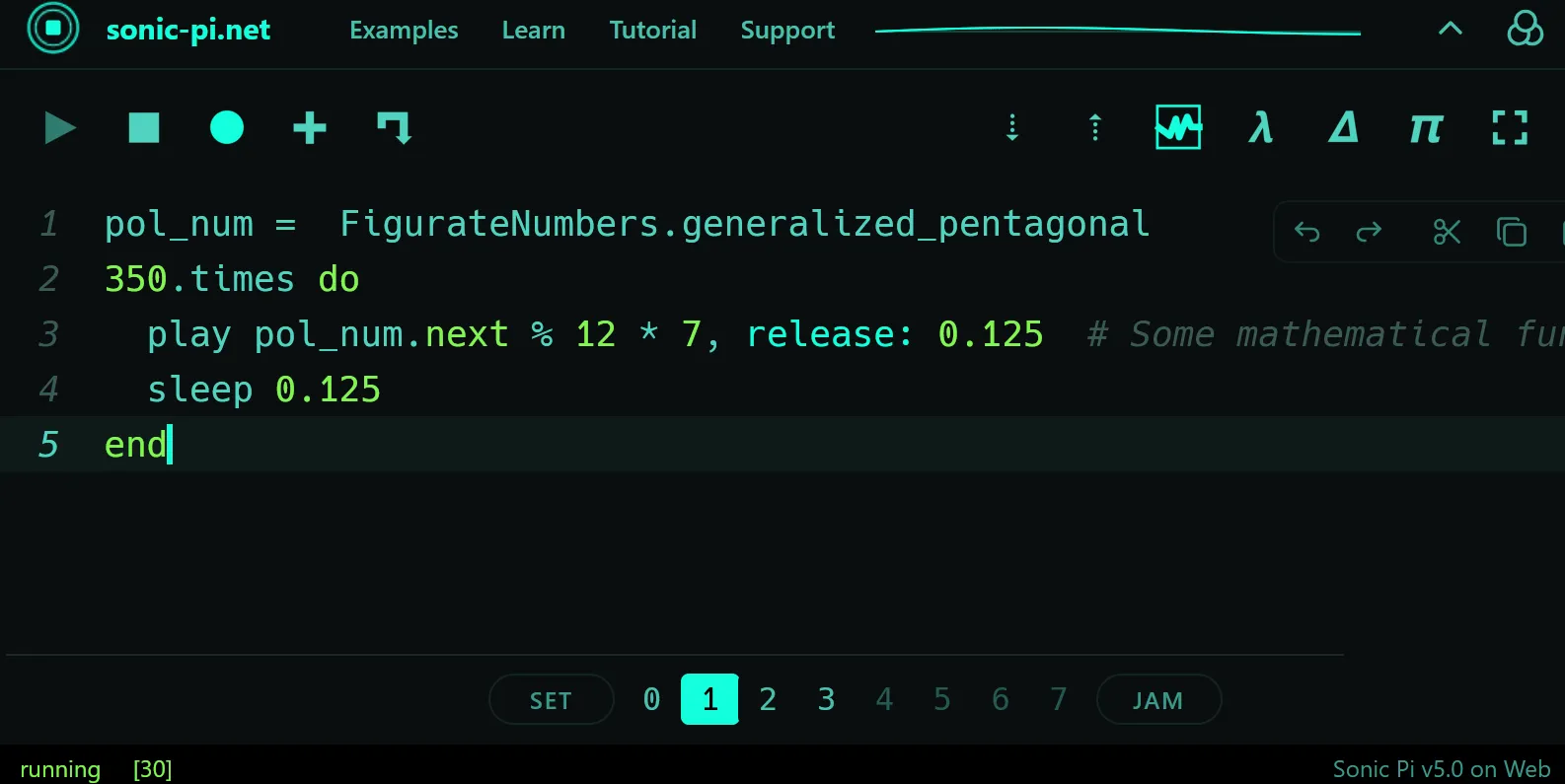
Just dropping by to remind you that you can load any of the 4 minified bundles:
PlaneFigurateNumbers,SpaceFigurateNumbers,MultiDimensionalFigurateNumbers, andArithTransforms(the last one works by operating on and padifying any of the generated sequences).
Sharing
Another one of the great things I want to mention before wrapping up is that you can share links (the same way we do every day with videos, news, or recipes). The little arrow that looks like the old Nokia Snake game, right next to the +.

A cute little window pops up:
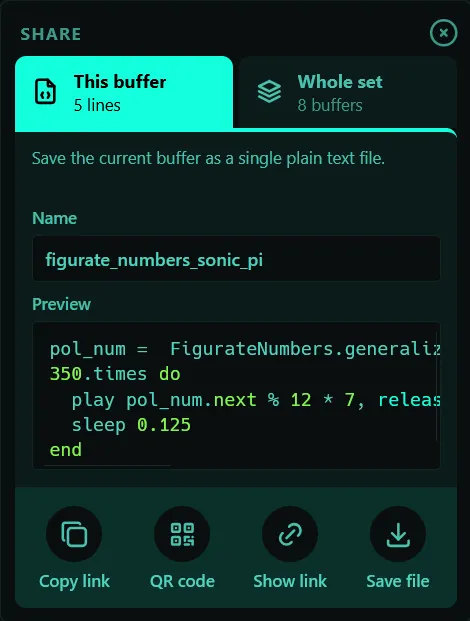
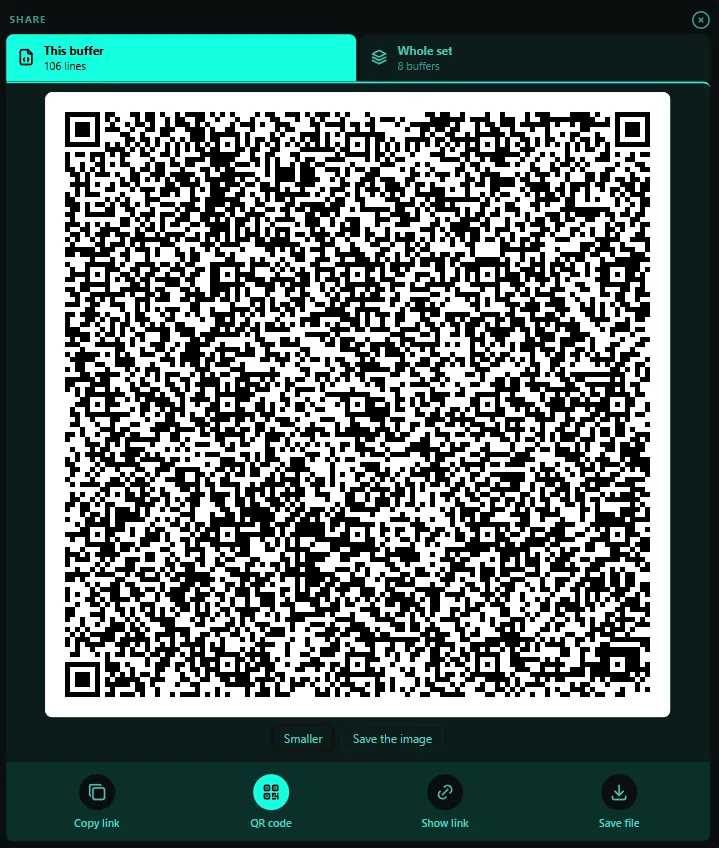
You can give your buffer a name, copy the link, show the QR code so you can place your order, or save the code as a .txt file for your driving test.
Use the tiny link
The tiny link to my minified plane_figurate_numbers.min.rb is here.
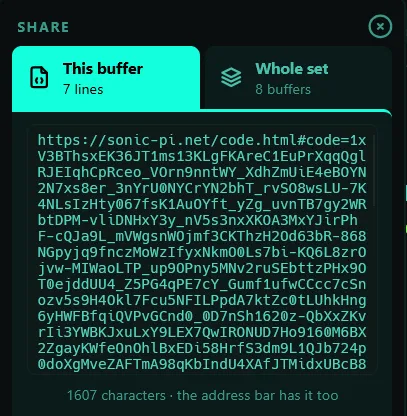
Just a tiny -character string. Still characters short of the Hardy–Ramanujan number. Nothing to worry about.
Use the easy draw QR
And its QR code, which I should be able to draw by hand in about half a century.

Guess which bundles in my library won’t let you see their QR code, even minified:
This program is too big for a QR code a phone can read: copy the link or save it as a file instead.
Piano roll and timeline
Missed your DAW environment? Well, this new GUI comes with a Piano roll so you can feel right at home. Clicking on the little chocolate bars will immediately take you to the corresponding line of code in the buffer.
Still no way to quantize notes with mouse gestures yet, though.
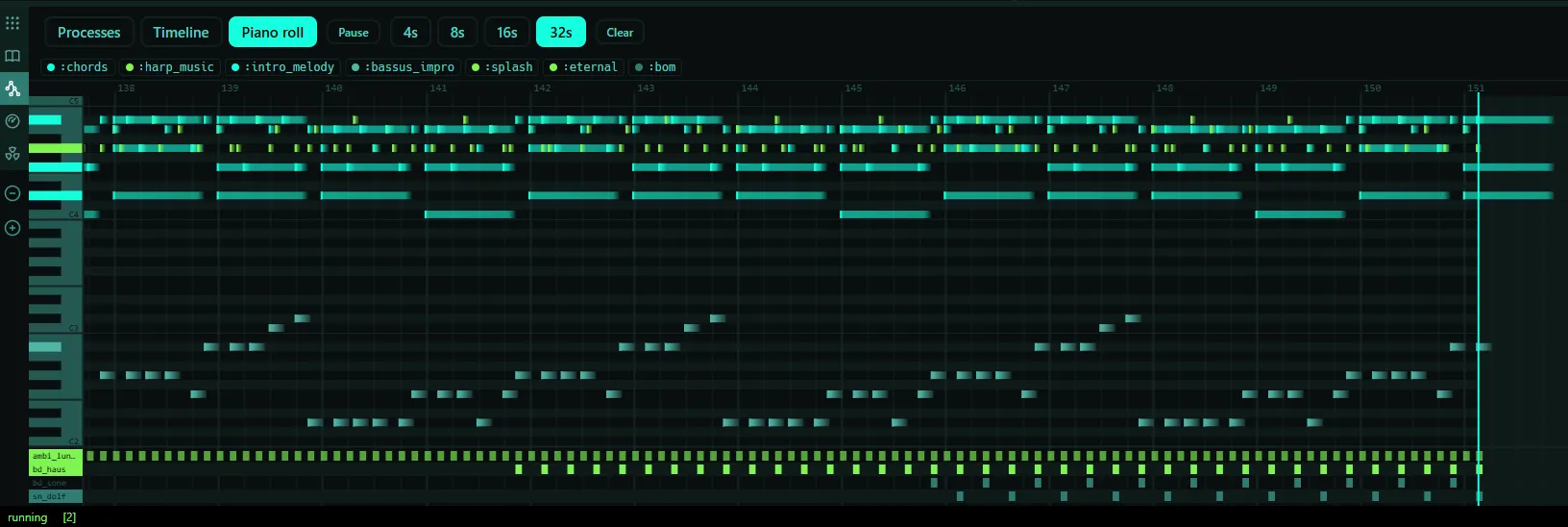
Well, a lot of the work here comes from the SuperSonic runtime engine.
It also shows the process nodes, just like the installable version, and introduces a new Timeline section.
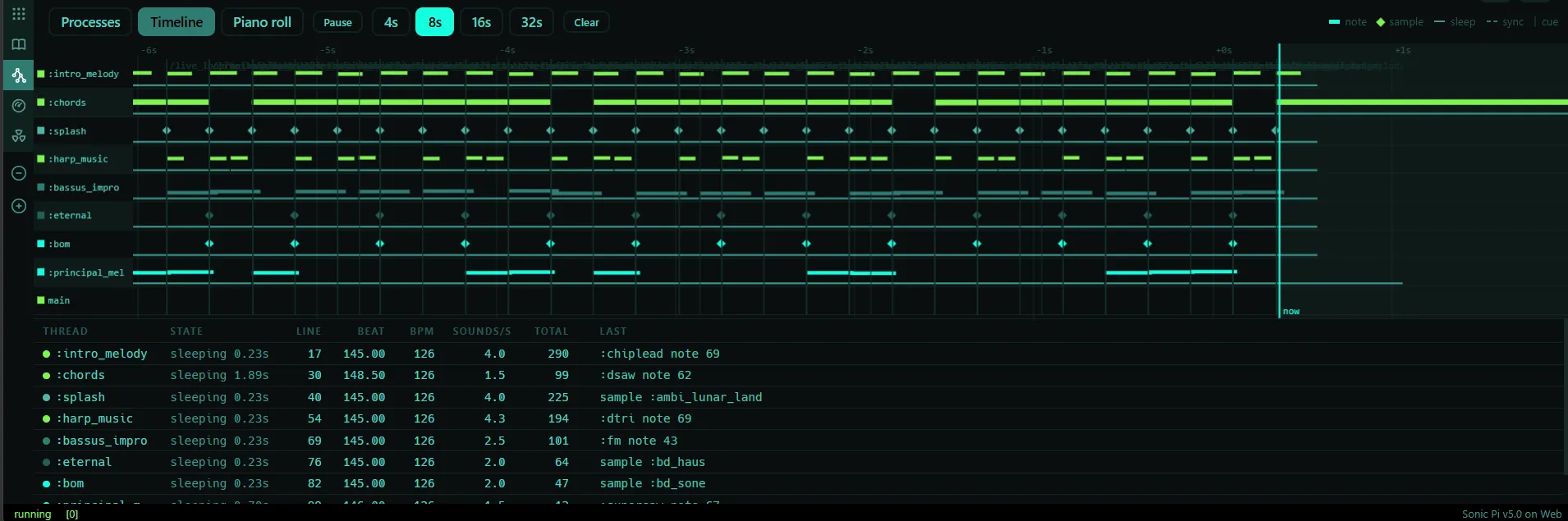
A few things I noticed
I also noticed a tiny issue in the documentation. Some longer synth names overlap slightly, and there are a few small naming inconsistencies between the search panel and the documentation, for example Sc808 Closed Hihat vs. SC-808 Closed Hi-Hat. It might be worth standardizing the names across both. It’s a very minor visual glitch.
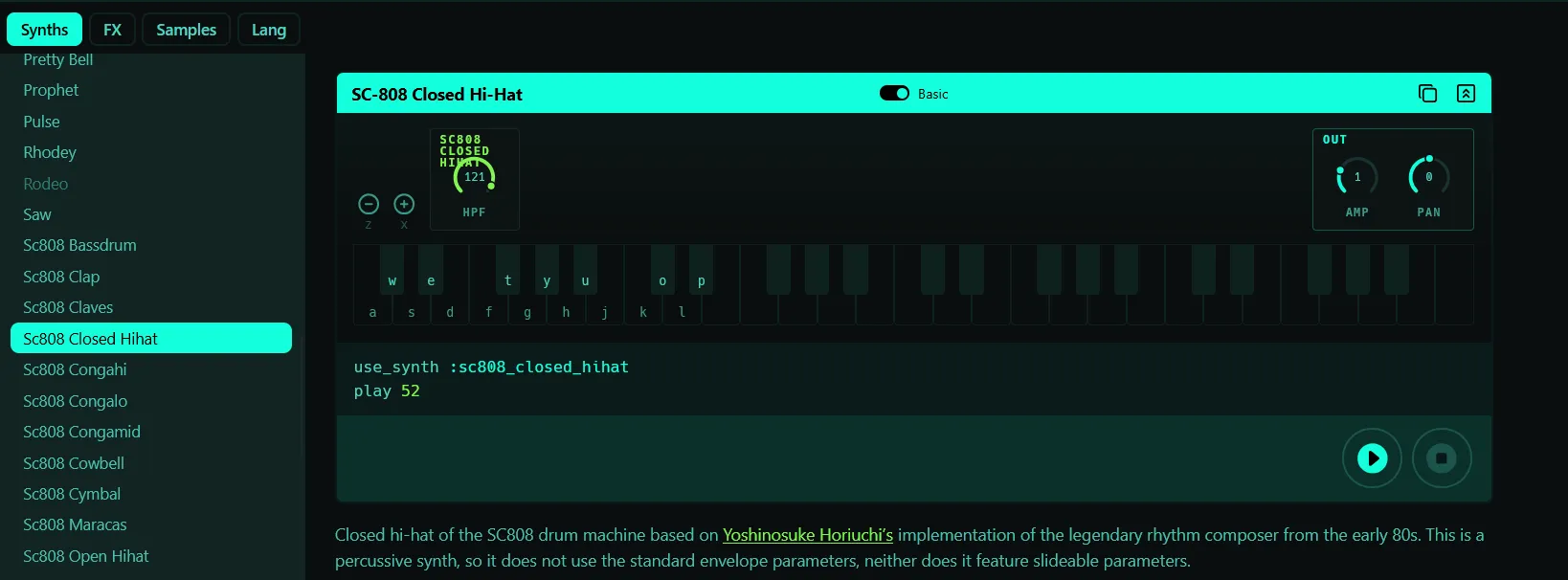
Both issues were fixed in this GitHub commit:
Web - name synths and FX the same
in the docs list as on their cards
Before we go, another QR for you
Before I say goodbye, I want to share once again my version of What Is Love by Haddaway.
I’ll be uploading another one of my favorite tracks in a future post, and I’ll share it with you too.
Well, this is a great new possibility for browser-based tech, for the benefit of the community and everyone looking for a practically instant way into live coding. I’ll leave the thread about this web launch right here: Sonic Pi now runs in the web.
Don’t forget to drop a twinkly little star on my repo, so I can keep smashing require blocks like Mario Bros, for this Sonic Pi Web surprise we just got.
Table of Contents